TYPE MSc course: Integrated Technology Design, Group project
ASSIGNMENT Create a physical collaboration tool using Artificial Intelligence
TOOLS & METHODS Prototyping, Visual programming (Max MSP), Video edit (Adobe Premiere Pro), . Collaborative tools (Notion, Miro)
TIMELINE Feb - July '21
ASSIGNMENT Create a physical collaboration tool using Artificial Intelligence
TOOLS & METHODS Prototyping, Visual programming (Max MSP), Video edit (Adobe Premiere Pro), . Collaborative tools (Notion, Miro)
TIMELINE Feb - July '21
Out of inspiration?
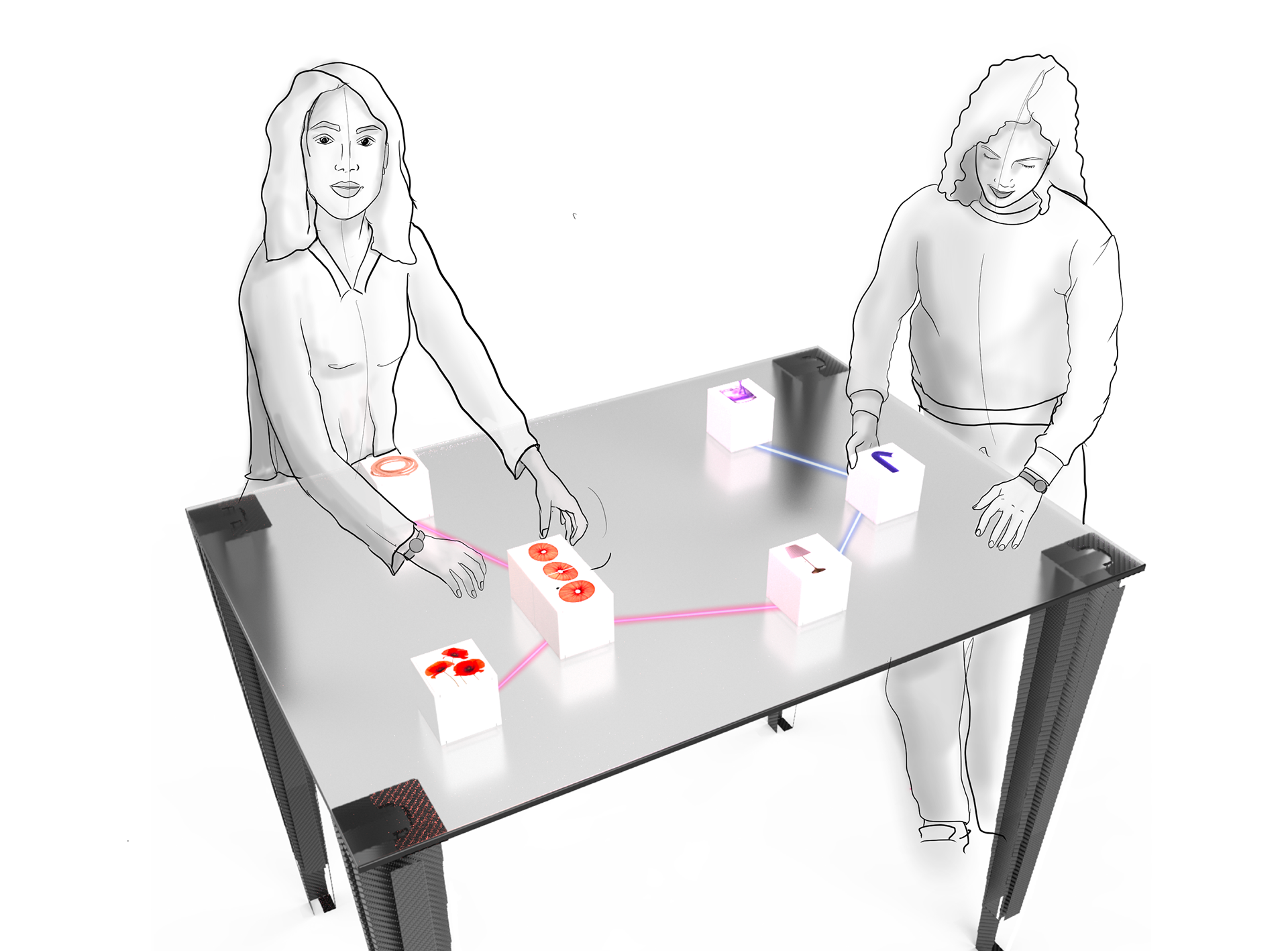
Meet Ames; a playful and tangible interface that synthesizes the visual qualities of several images into surprising inspiration for product designers.
Meet Ames; a playful and tangible interface that synthesizes the visual qualities of several images into surprising inspiration for product designers.
Ames is a smart projection table; a tool for designers in the ideation phase of a design project. The surprising effects of the generated images can help the designer explore the possibilities of their design project and let them think outside of the box.
Inspire designers - through combining elements
The assignment was to create a physical collaboration tool using artificial intelligence. During the course of several monthts, our team developed many prototypes to test and iterate on user interactions with different AI tools. This resulted in the helpful sparring partner Ames.
With Ames, the user starts by choosing a product they want to design. Blocks with elements such as a texture or metaphors can be added for inspiration. By combining several blocks on the table Ames creates connections between the different elements. The outcome of these connections, in the form of generated images, will accordingly be displayed on the blocks (as shown in this animation).
With Ames, the user starts by choosing a product they want to design. Blocks with elements such as a texture or metaphors can be added for inspiration. By combining several blocks on the table Ames creates connections between the different elements. The outcome of these connections, in the form of generated images, will accordingly be displayed on the blocks (as shown in this animation).
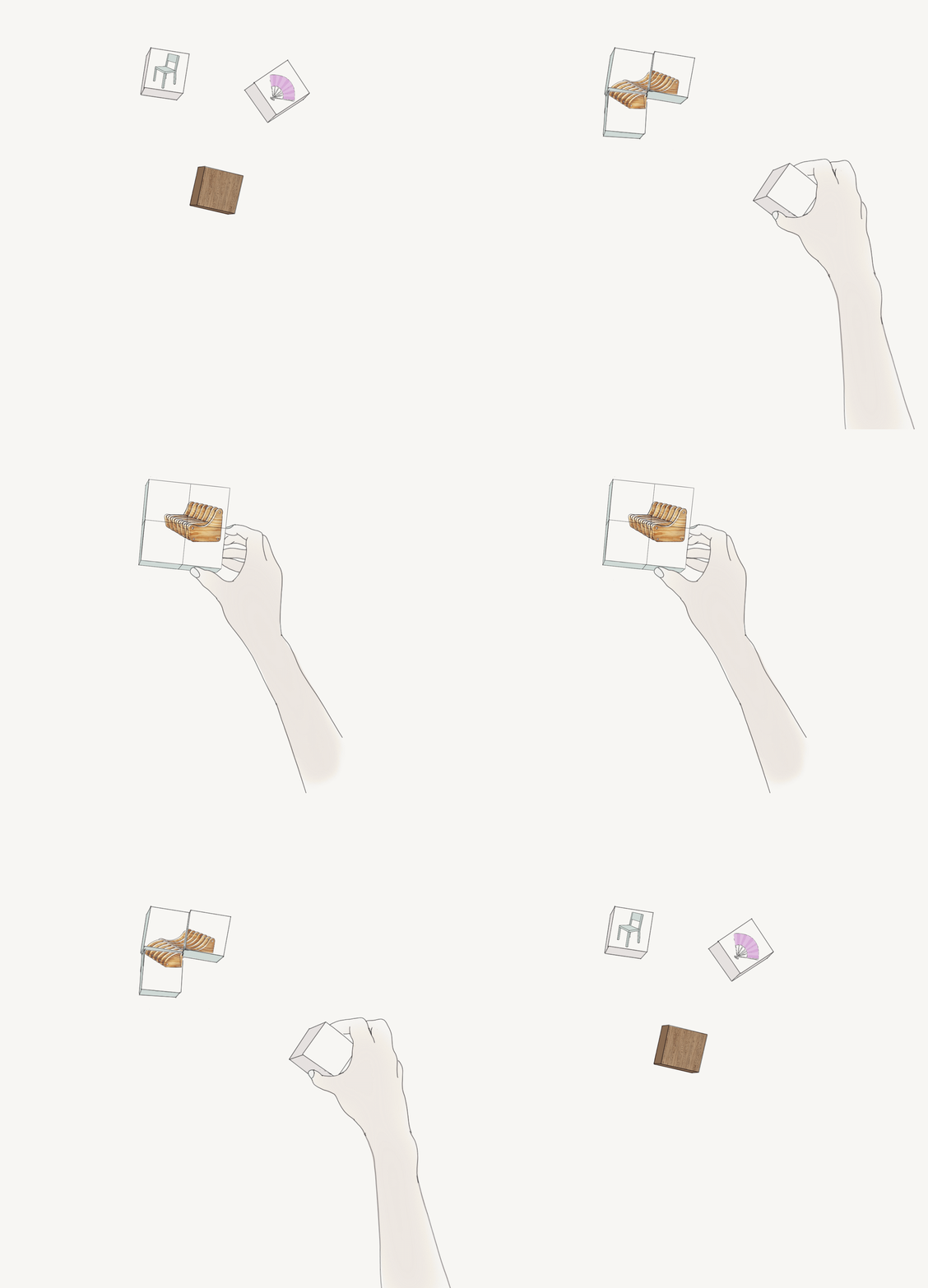
Animation made by Marit van Grinsven
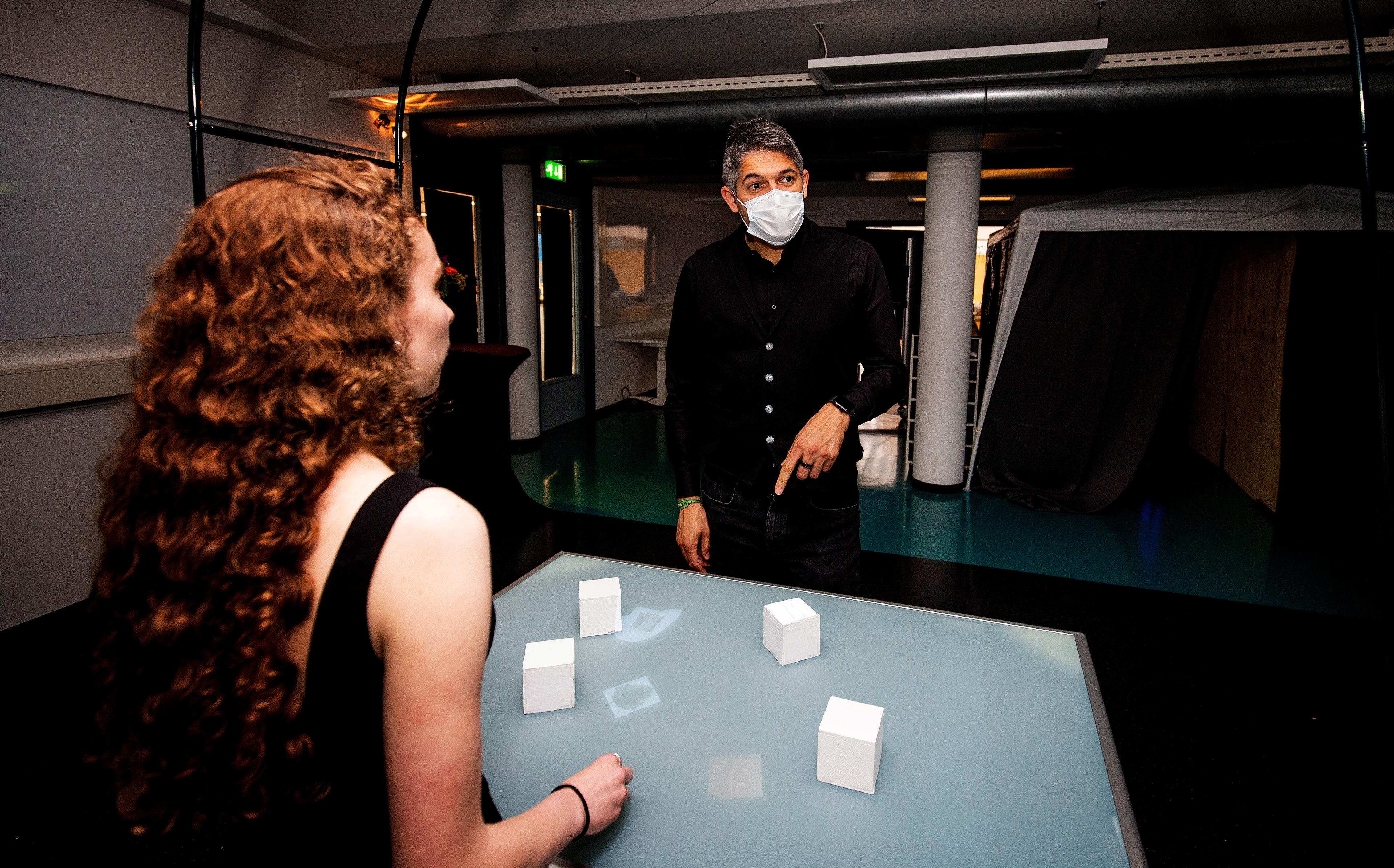
Making it work - Tracking blocks real-time
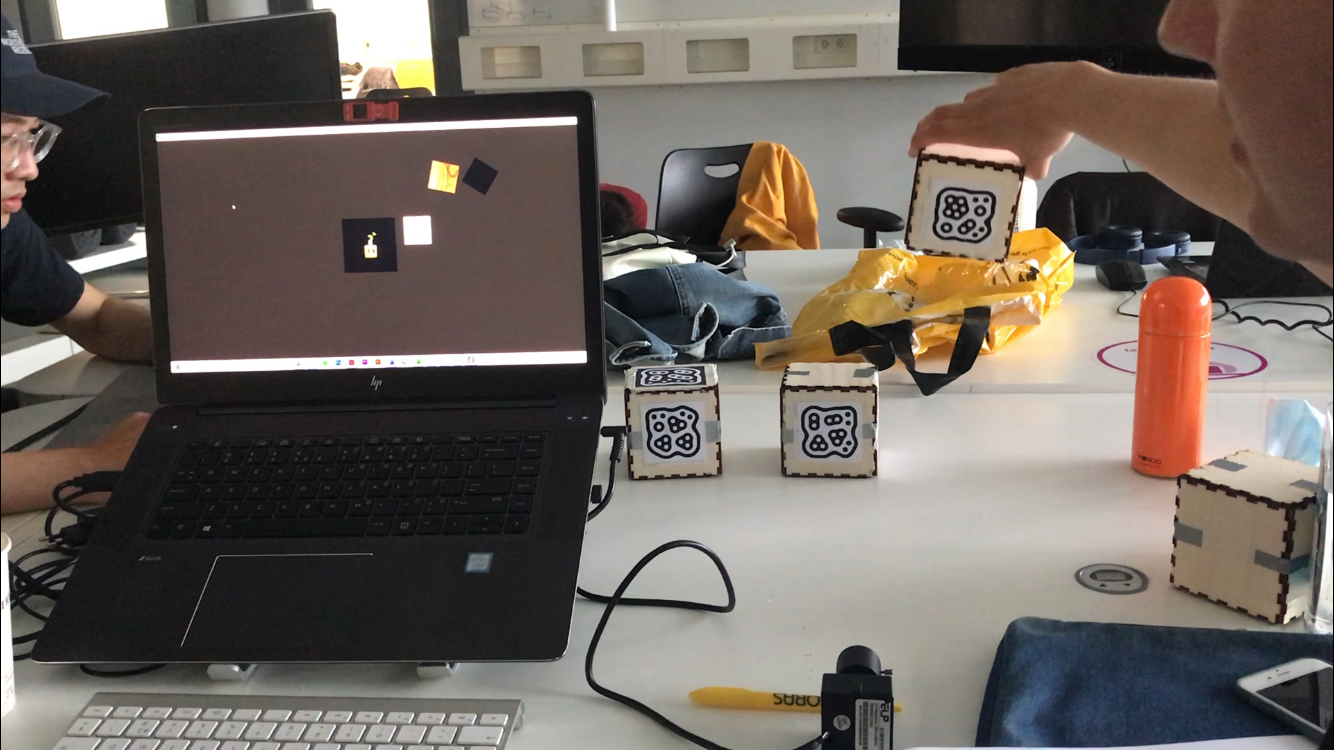
The table is interactive wherefore images are projected on the blocks in real-time. The blocks have a marker on the bottom (see image below) to track the movements. The markers are created by ReacTIVision. I learned to work with Max MSP, a program that we used to change the images depending on the position of the blocks. The prototyping activities increased my technical skills, such as working with code, online AI software, and Max MSP.
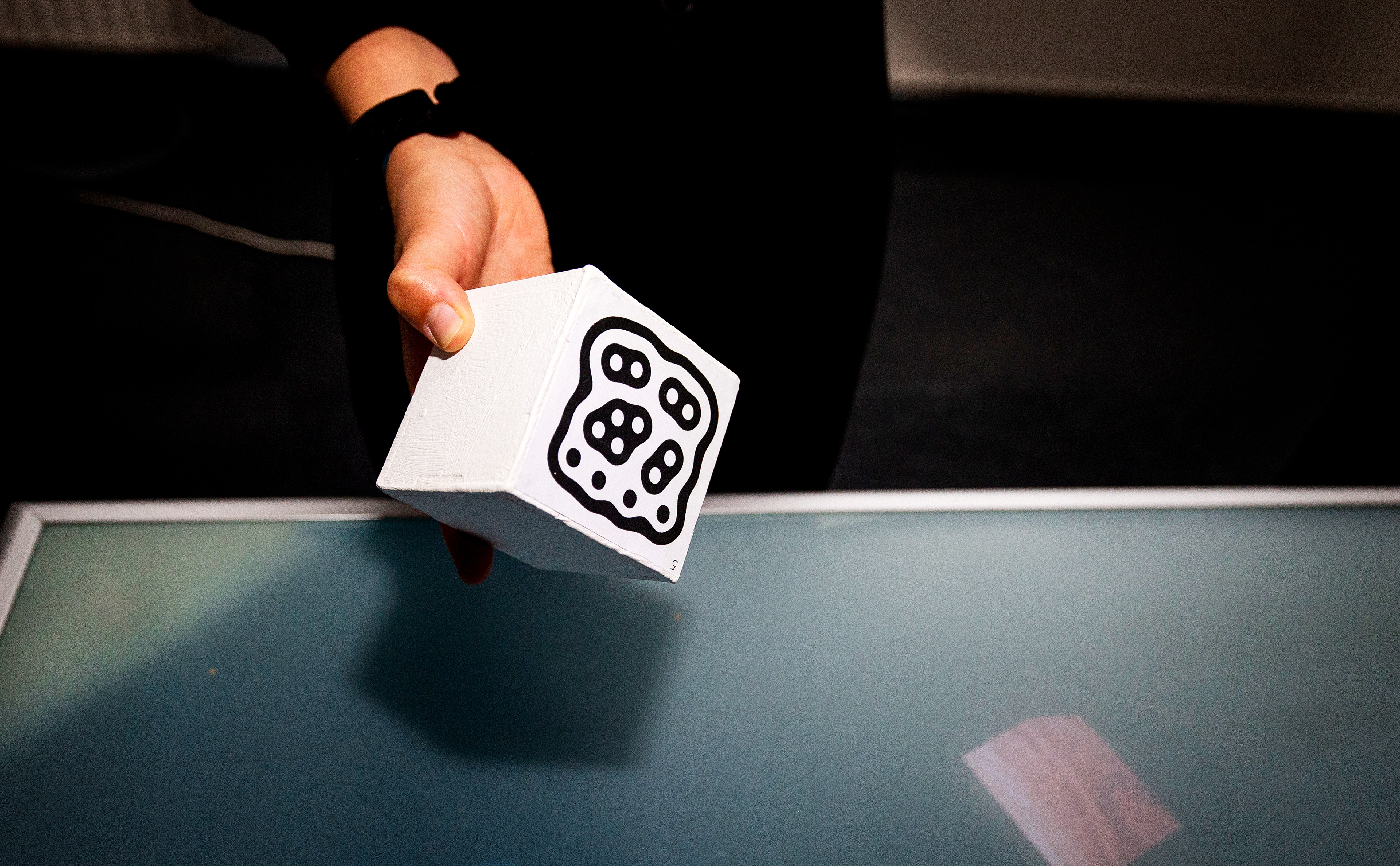
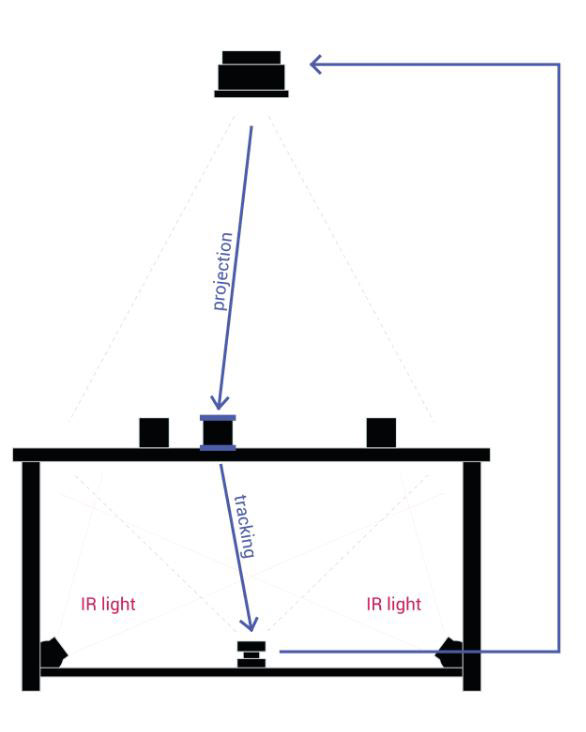
To provide the experience, the bottom of the blocks are tracked through a glass surface. A unique marker is attached to every block which is tracked by an infrared camera, underneath the table. The data of the position is used to project an image directly on top of the block via a projector.
When two blocks are brought in proximity, an AI algorithm is able to synthesize the unique qualities such as color, shape, and texture of both images into one single new image. The designer can use this entirely new generated image as the first step of inspiration or continue to evolve through even more combinations.
Working Agile: creating and testing prototypes every week
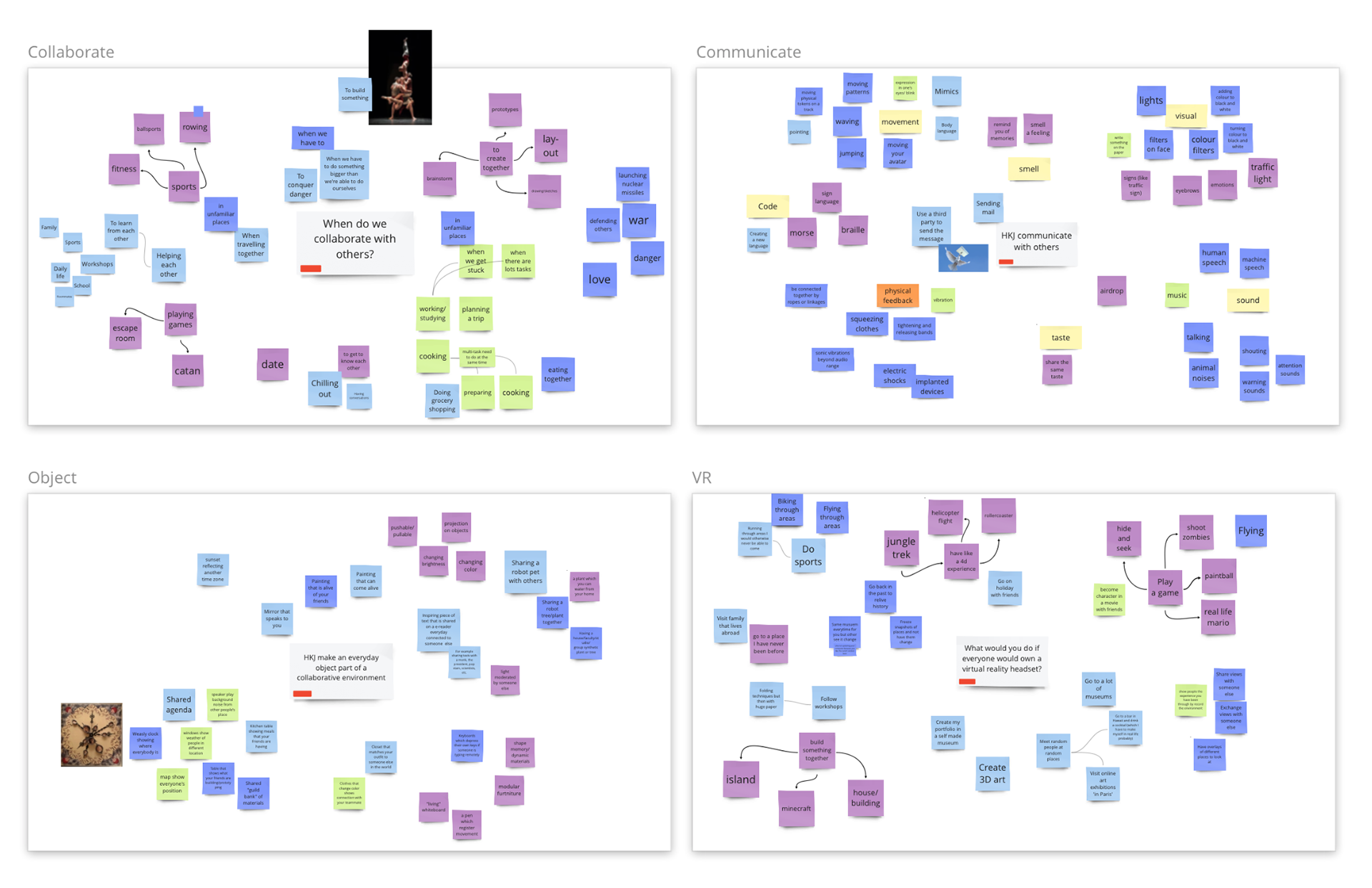
Brainstorming
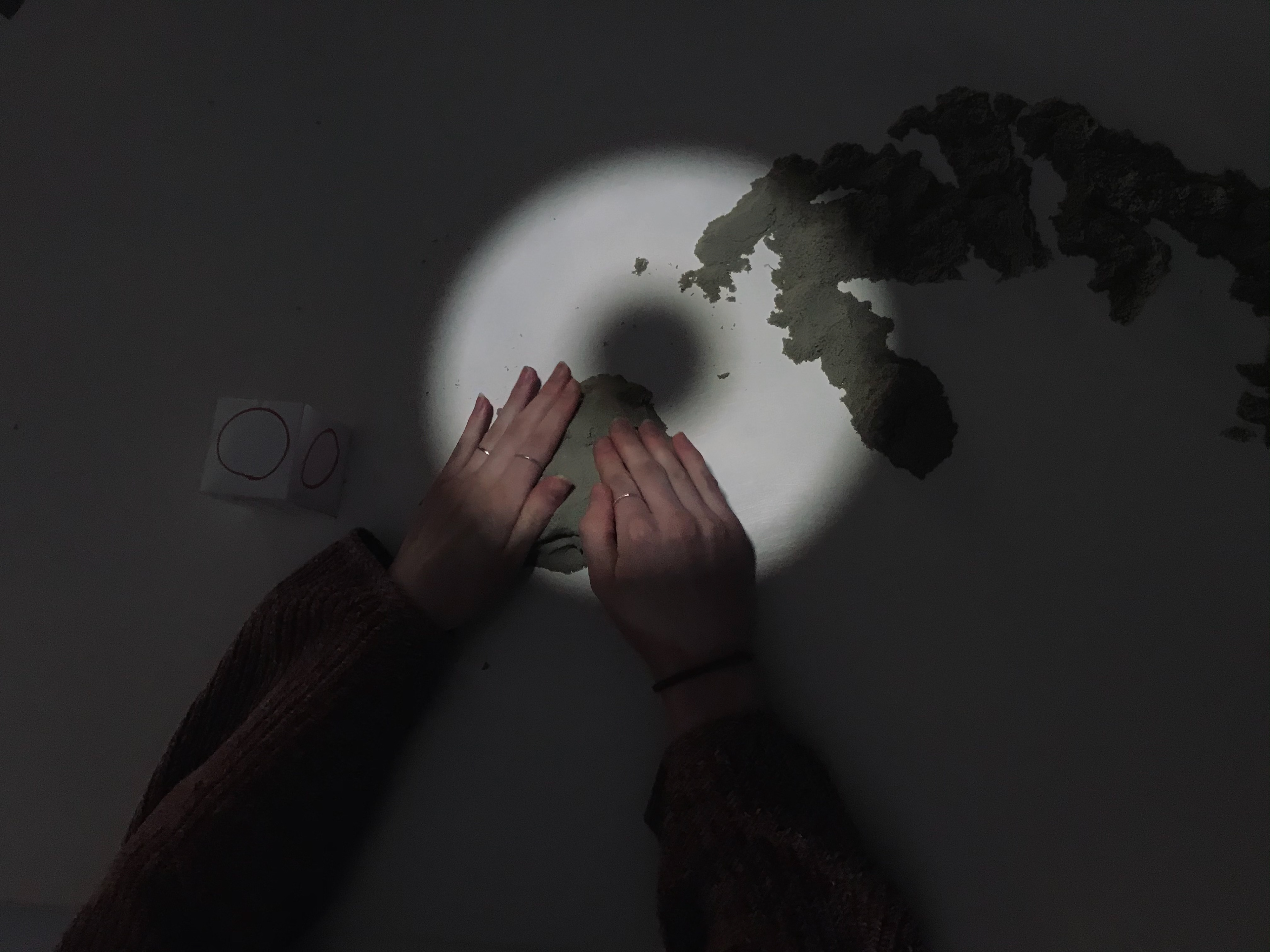
Prototype with magic sand and projector
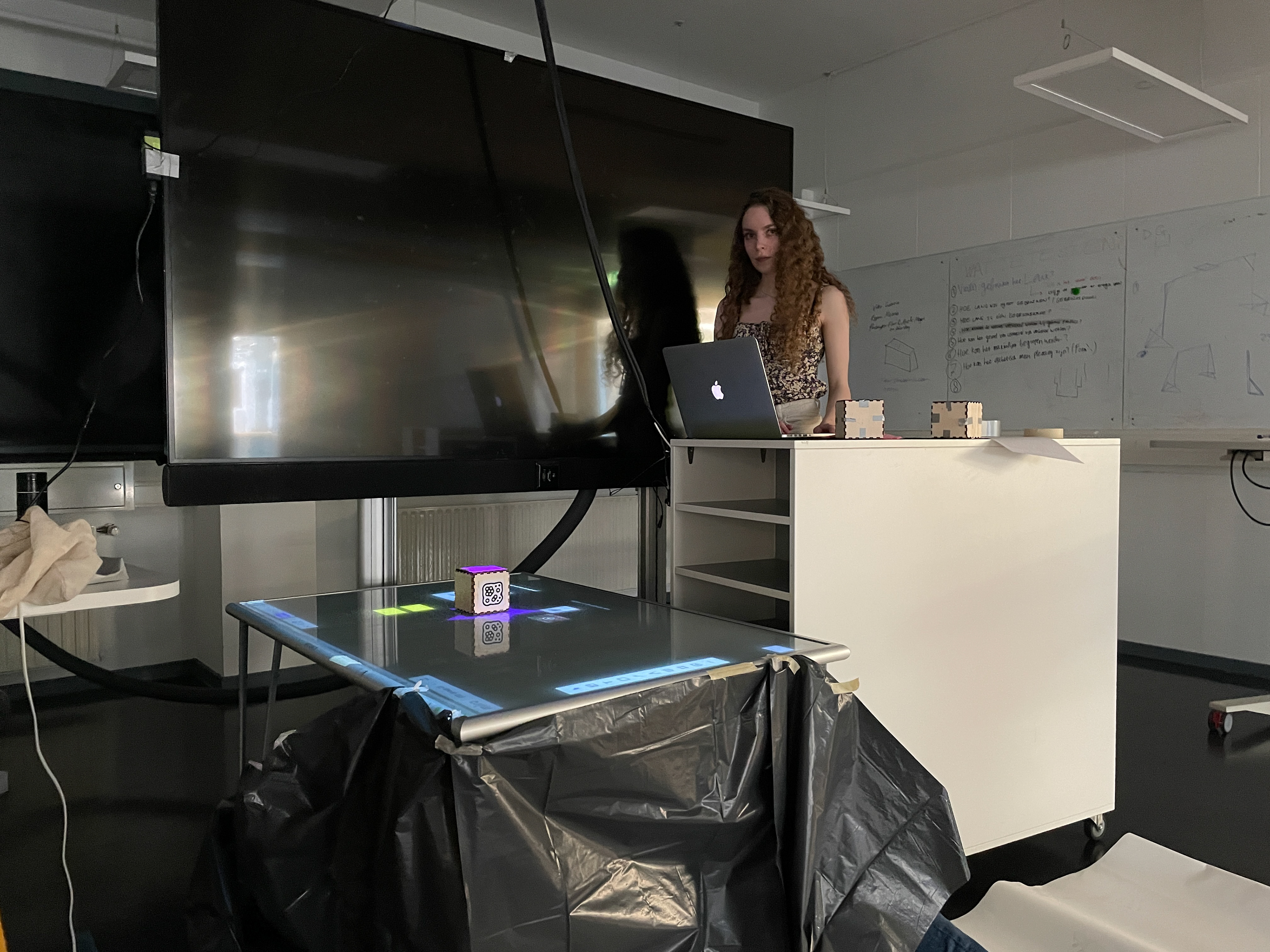
Setting up the installation
Results & reflection
During this project, I explored the potential of AI developments in image generation and their impact on design. At the time, image generation programs were either not widely accessible online or very limited in their capabilities. Despite these constraints, I identified promising examples and envisioned how AI could serve as a sparring partner for designers. While this felt like a futuristic concept then, it’s incredible to see how far we’ve come today. During this course, I learned to conduct quick experiments to gather valuable insights, pick up programming skills on the go, and identify opportunities for new developments.